
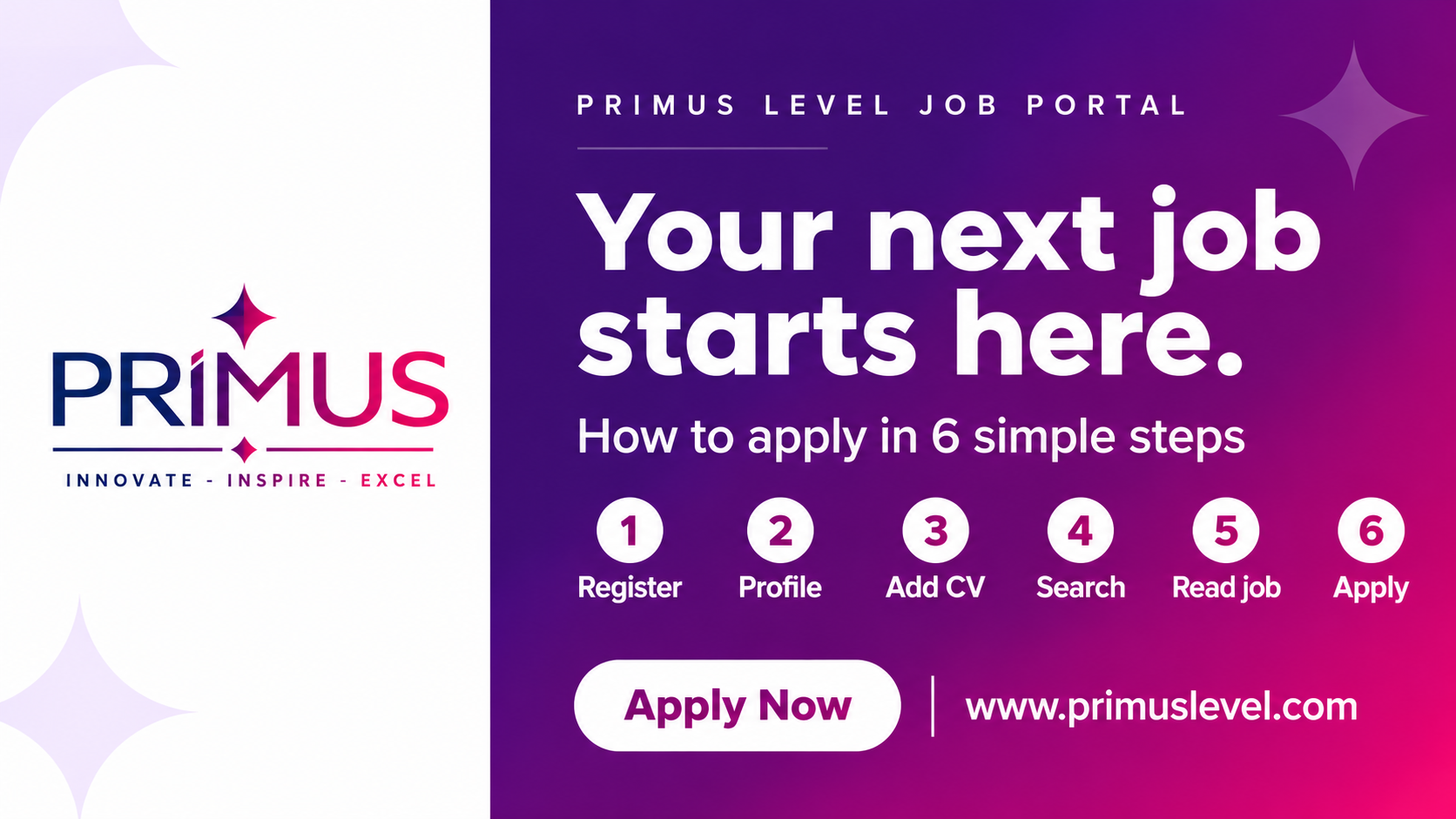
Looking for a job can feel like a job in itself. You check ten websites, send your CV to a dozen places and hear nothing back. We built Primus Level to make that simpler. It is a job portal where companies post real openings, and you can apply in a few minutes.
Here is how it works.
1. Make your account
Go to www.primuslevel.com and click Register. Add your name, email and a password. It takes about a minute.
2. Fill in your profile
This is the part most people rush, and it matters. Add your education, your experience and your skills. If you are a fresher, write about your projects, internships or anything you have learned on your own. Employers read your profile before they open your CV.
3. Upload your CV
Keep it to one or two pages. Put your most recent work first, check your phone number and email, and remove anything that is not useful for the job.
4. Search for jobs
Type a job title or a skill in the search bar, like “graphic designer” or “social media”. You can also look at the Companies page to see who is hiring. Right now there are jobs in marketing, design, web, sales and more, and they include full time, part time, freelance and home based work.
5. Read the job properly
Before you apply, check the city, the job type, the experience needed and the last date to apply. If the job asks for one year of experience and you have two, good. If it asks for skills you don’t have, you can still apply, but be honest about what you can do.
6. Click Apply Now
That is it. The company gets your profile and CV, and they contact you if you are a good fit.
A few tips

